Common information Metalpla - Estrumad
Provisional content: to be reviewed and completed with the text from the current website.
| COMMON FEATURES |
|


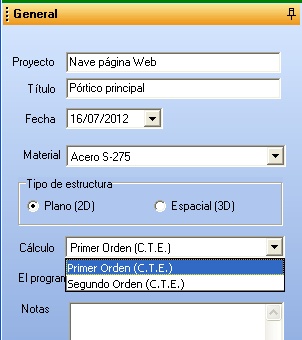
Different methods of structural analysis | Generation of the structure geometry by typologies |
|
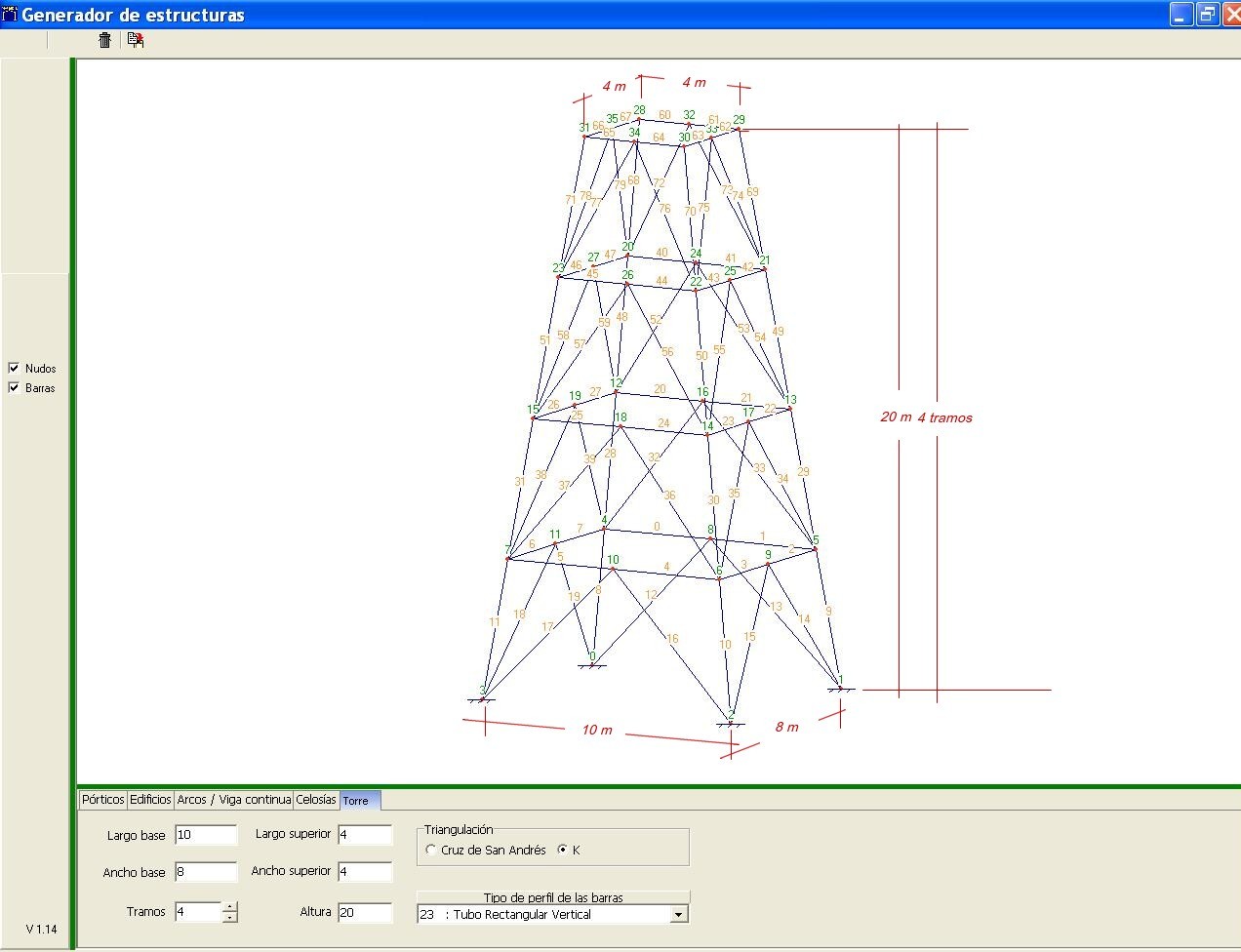
The geometry and members of the structure are entered using a typology generator associated with different standard structures, such as:
|
Automatic generation of loads on roofs and industrial buildings | |
| Based on the geometry and site conditions, the program internally determines the following loads:
|
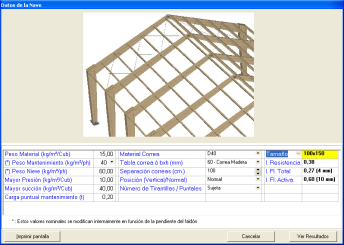
Wind loads | Interactive purlin design |
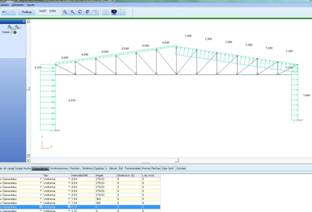
As a result of the automatic load generation, the program internally assigns the different wind loads to each member in accordance with the Spanish Technical Building Code (CTE). | |

GRAPHICAL OUTPUT | |
Analysis of global buckling and vibration of the structure.
For each load combination, the program determines the critical global buckling factor, its buckling mode and the buckling lengths of the members. And also, if requested, the lowest vibration frequency and its modal displacements. | DXF files
An example of the DXF generated by the program for a duo-pitch portal frame is shown. Data can also be entered by importing DXF files. |
Deformations
The program allows the active and total deflections of the structure, calculated in accordance with the CTE, to be displayed graphically. By holding down the left mouse button and dragging it over the structure, a text box with the deformation data by segment can be viewed on screen. | Utilisation ratios
By selecting “normal stress ratio”, the utilisation ratios of sections and members can be seen visually thanks to a colour scale. This shows directly and visually whether the entire structure is valid in terms of strength. |
Combined internal force diagrams
By selecting “Combined Forces”, the diagrams of axial force, shear forces, bending moments and torsional moments are displayed for each load combination. | Optimisation of base plates and footings.
The program selects the footings (optimising cost according to the prices of excavation, concrete and steel) or checks them. The column bases, including anchorages, can be selected by the program on the basis of weight optimisation. Alternatively, they can also be checked by the program. |


GRAPHICAL REPRESENTATIONS | |
Solid modelling
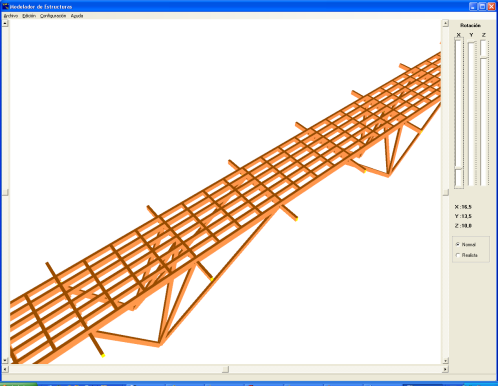
The program can display the structure, or some of its parts, representing the members as solids. | Composer for plane and spatial structures
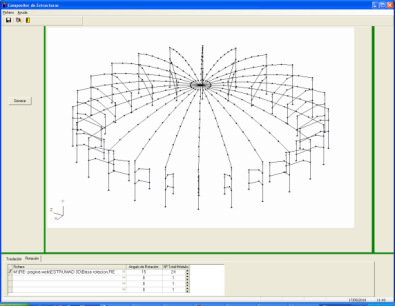
Starting from an already defined structure, the rest is completed if it can be generated by repeated translation or rotation of a plane base module of the structure. The nodes and members of the new structure are numbered internally by the program. |
CONNECTIONS AND SUPPORTS | |
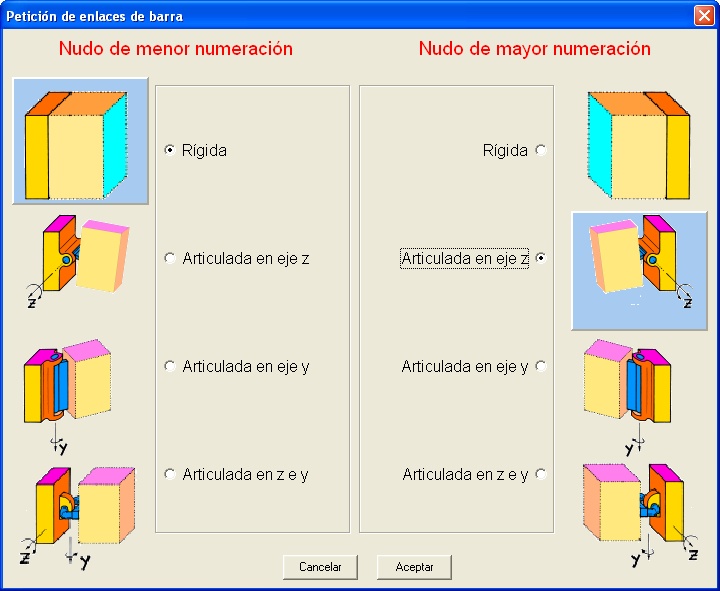
Member end releases
Any type of member end connection corresponding to a hinge about any of the principal axes of the section can be selected. | Different support models in plane and spatial structures
Selection of different models of fixed or elastic supports (defined by the spring coefficient corresponding to the selected direction, for plane and spatial structures). |

DIFFERENT MEMBER MODELS | |
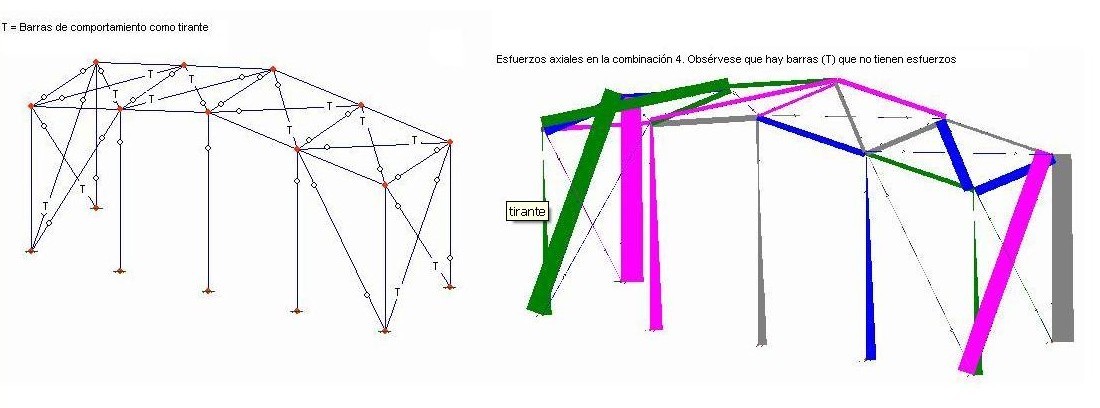
Tie members
All members defined as ties “T” are highly slender and can only take tensile forces, so if they are in compression they are cancelled internally in the corresponding load combination and therefore take no force at all. | Tapered members
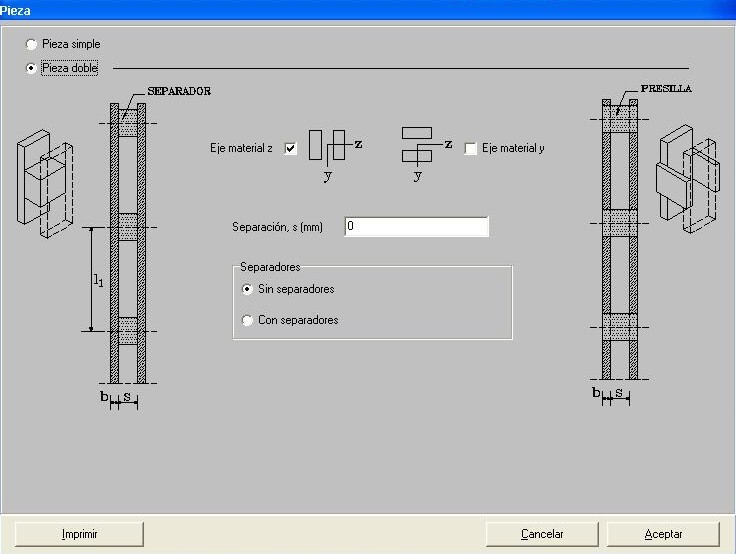
Tapered (variable-section) members are supported in both steel and timber. Built-up members
In steel structures, battened built-up members can be used, and in timber structures: members with blocks, spacers or battens. |